Add registration, inspection type, due time, collection details and delivery details.
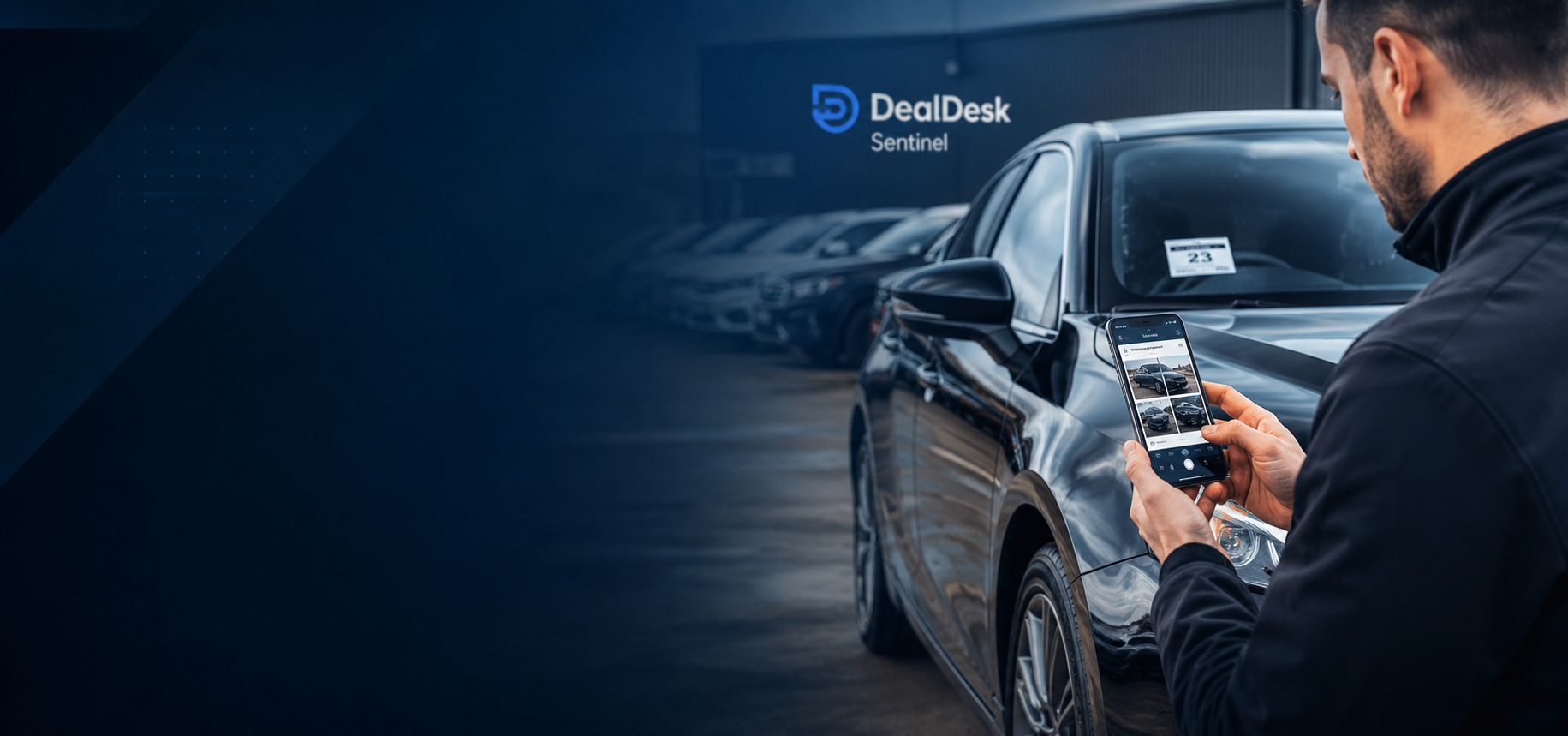
Sentinel by DealDesk
Vehicle collection and inspection proof for the motor trade.
Create jobs, invite drivers, capture walkaround photos, record damage, collect signatures and share a professional report. Sentinel core is free to use during launch.
Assigned jobsGive drivers a focused job list.
Photo evidenceCapture required walkaround proof.
Shareable reportsSend a clean inspection record.
How it works
From assigned job to finished report.
Sentinel keeps the collection, delivery or inspection workflow tight: create the job, invite the right person, capture the evidence and share the finished record.
Email an assigned driver or inspector so they can open only their Sentinel work.
Follow guided screens for photos, damage notes, condition checks and signatures.
Review the inspection and create a professional report link for the relevant people.
Features
Built around inspection proof, not generic admin.
Sentinel is focused on field evidence for vehicle movements, appraisals and handovers.
Assigned collection jobs
Create dealer-scoped inspection jobs with due dates, contact notes and collection or delivery details.
Email invites
Invite drivers and inspectors without giving them broader product access or unrelated tools.
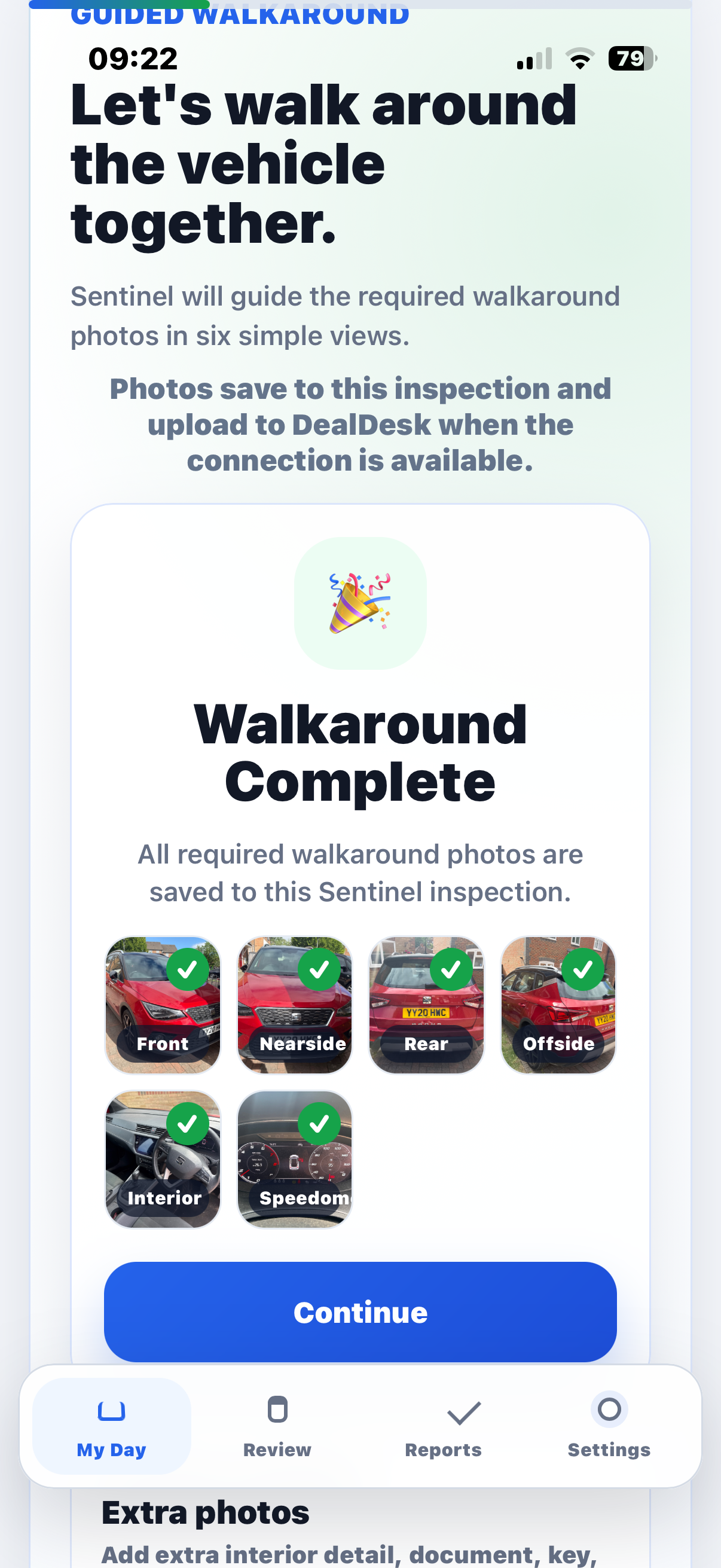
Walkaround photos
Required photo slots help capture consistent exterior and condition evidence before the vehicle reaches site.
Damage evidence
Record marked damage areas, notes and photo-backed proof for a clearer review trail.
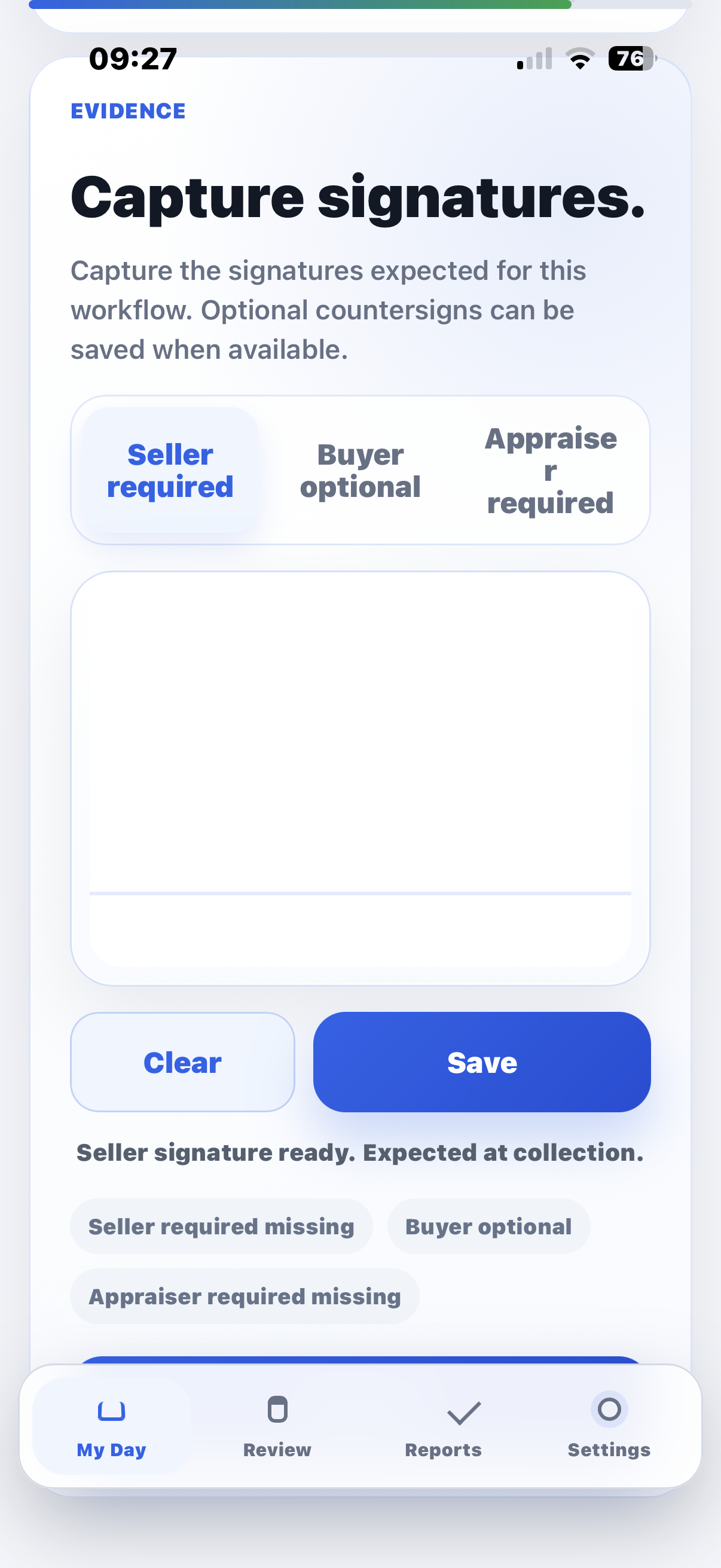
Signatures
Collect acknowledgement signatures and metadata as part of the inspection record.
Dealer-scoped security
Sentinel users see assigned inspection work and dealer-scoped data, keeping job details behind login.
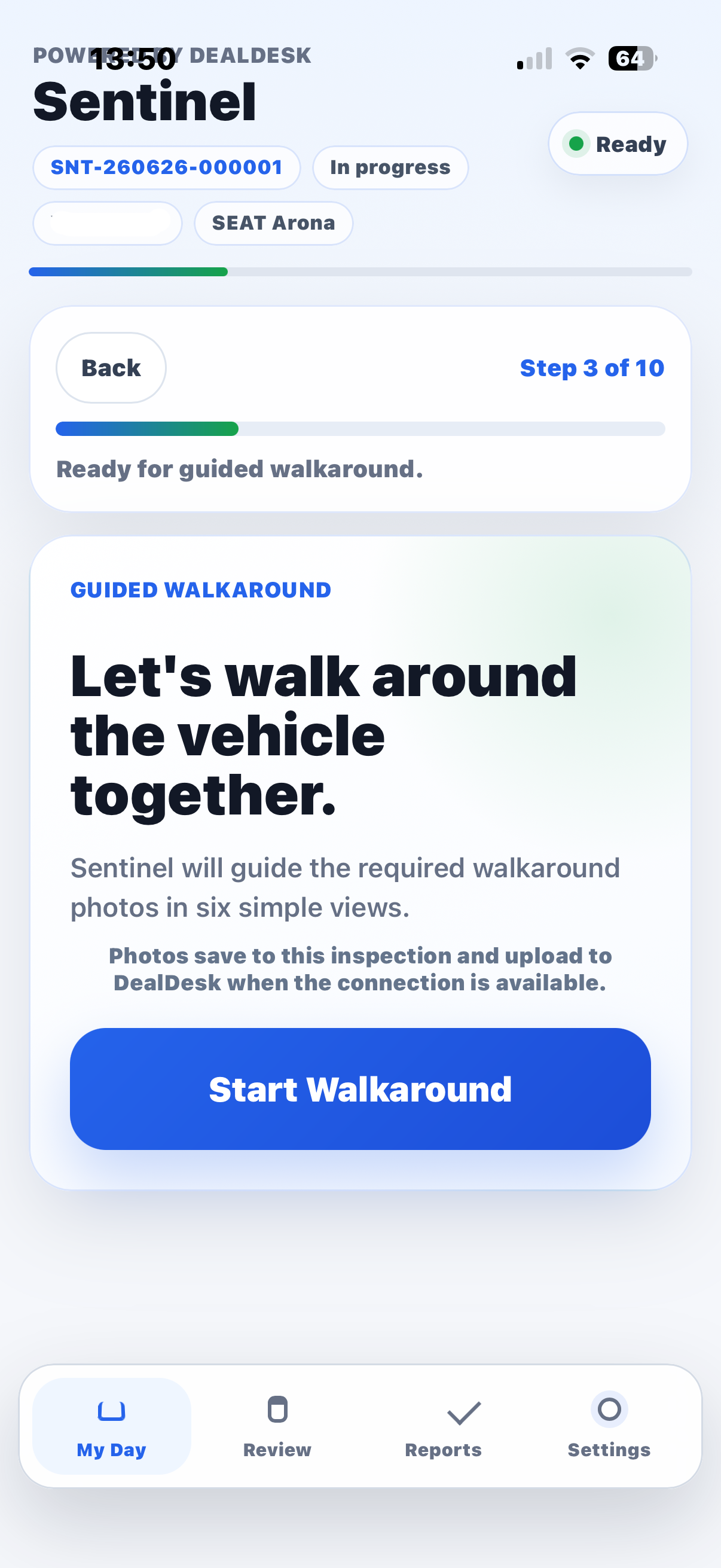
Guided capture
Give drivers the next step, not a blank form.
Sentinel opens with assigned work and guides the user through vehicle confirmation, photos, condition notes and signatures.
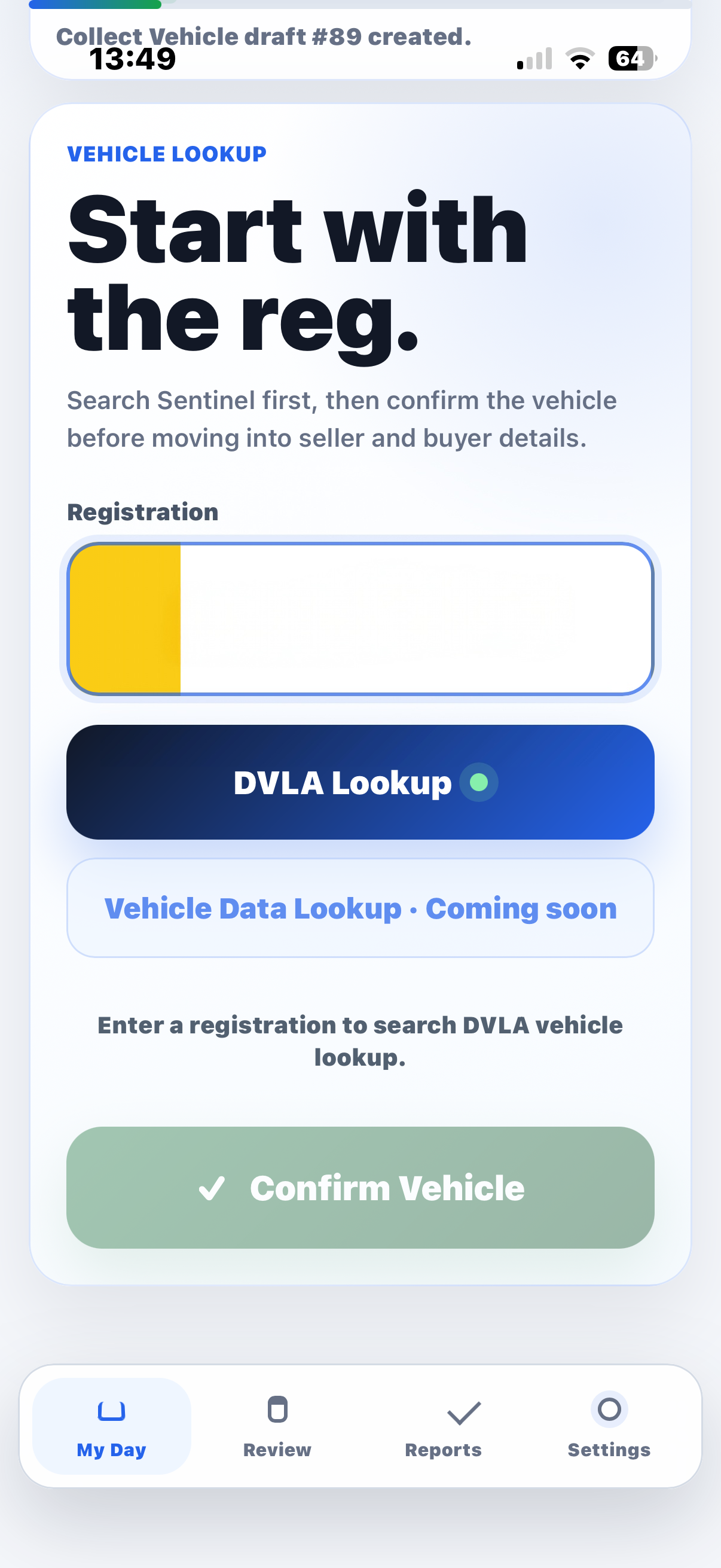
Vehicle details
Start with the registration, then confirm the vehicle.
The registration lookup screen keeps the inspection moving while job addresses, contact details and reports remain protected behind Sentinel login.
Reports
A professional report from the evidence captured on the job.
Sentinel turns the inspection journey into a report-ready record with vehicle details, photo evidence, damage notes, signatures and review status.
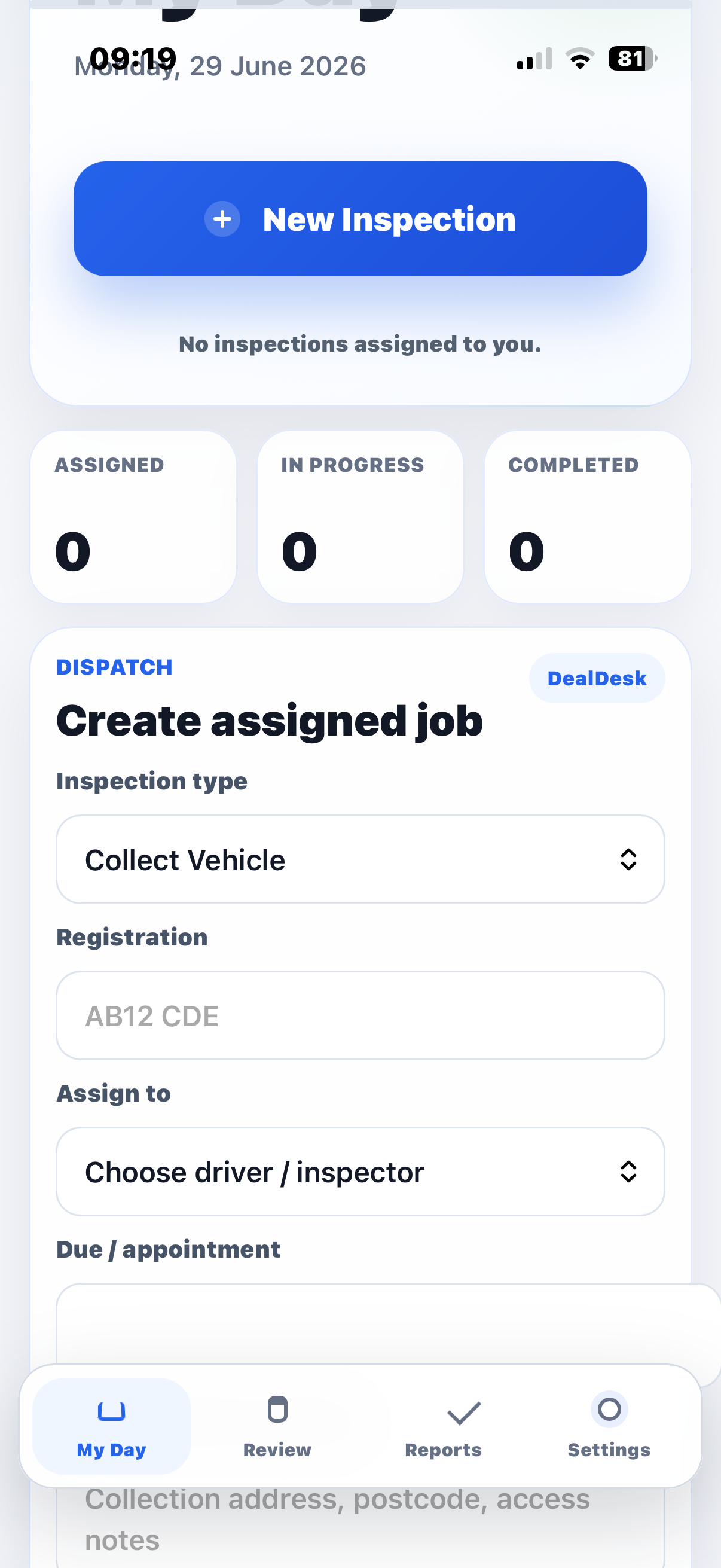
Access and install
An installable Sentinel app for approved users.
Approved users can open Sentinel in the browser, install it as a PWA and return straight to their assigned inspections.
Designed for controlled access
- Existing DealDesk authentication and sessions.
- Sentinel-branded login for app users.
- Assigned jobs visible only after sign-in.
- Dealer-scoped access for inspection teams.
Start with one real inspection workflow.
Early access is best tested with collection, delivery, trade purchase or part exchange jobs where photo evidence and reporting matter.